While cloning D365 F&O and CE development environments, I faced the below error when tried to access Power Portal.

The Website Bindings were updated with relevant portal apps portal URL as shown below.
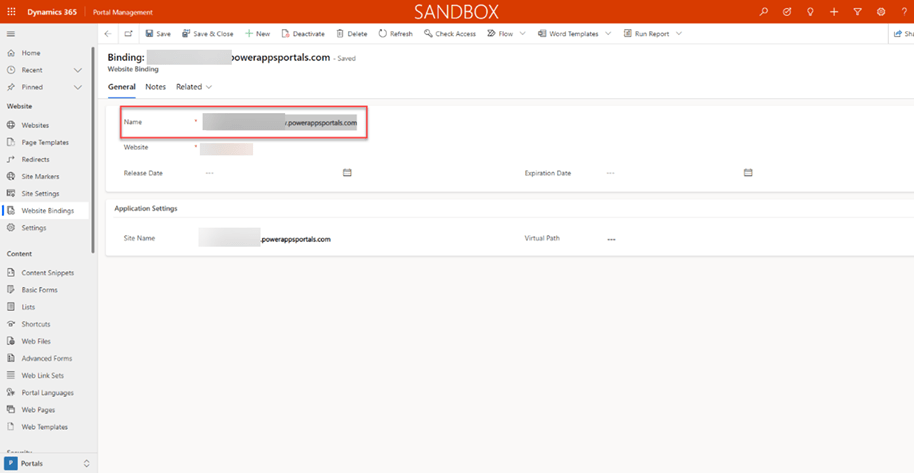
After investigation, I found that this issue occurs because now the connection between Dataverse and Power apps portal gets broken after updating the website bindings. To fix the connection, we need to reset the connection.
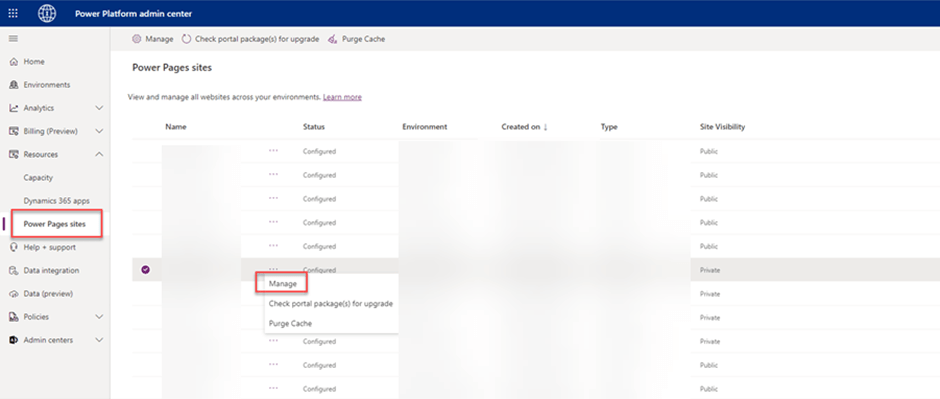
To fix the error or reset the connection, go to Power platform admin center–>Power Pages sites (Select Environment and click on Manage)
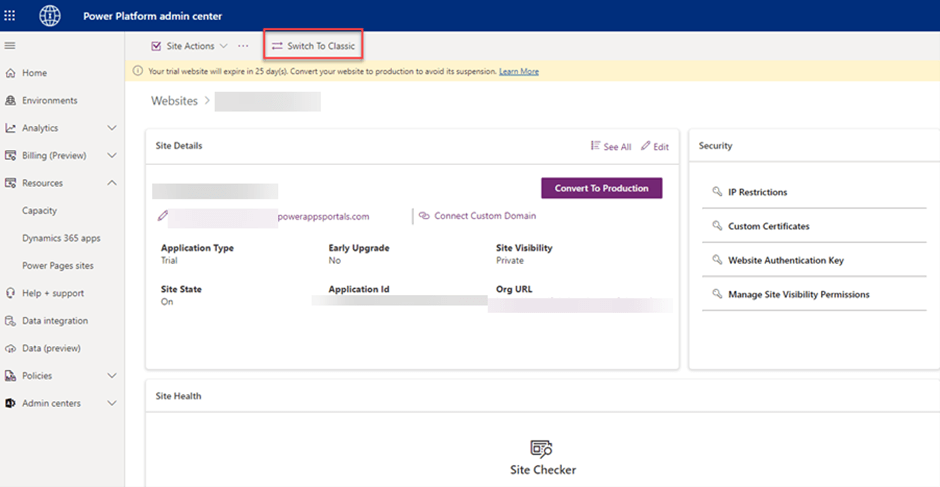
Click on Switch To Classic button.
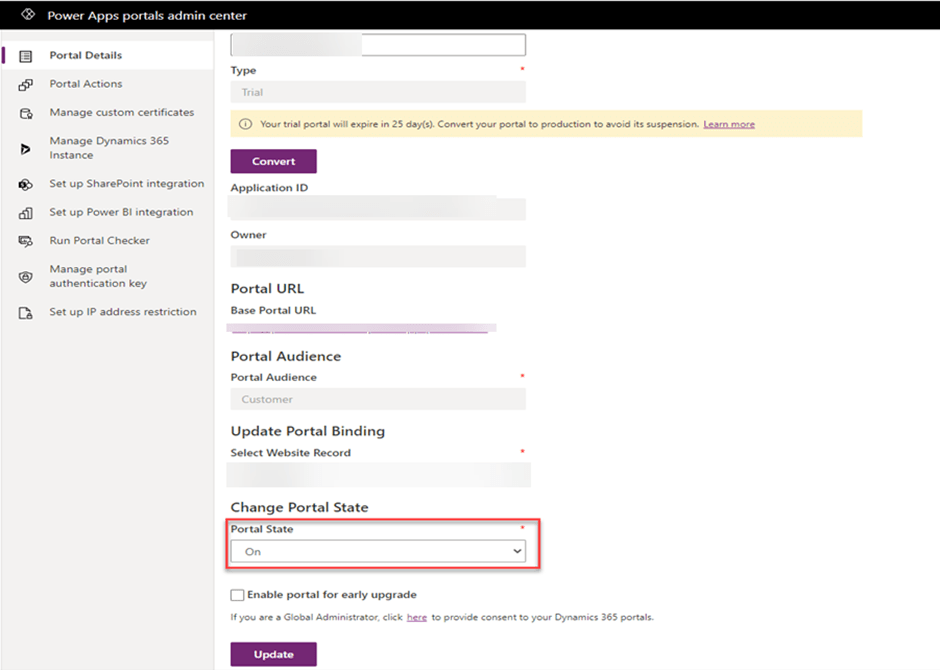
In Portal Details tab, Change Portal State to Off and click on Update button. Once updated, now change it back to On and click again on Update. This will link Dataverse to portal and portal should be up again.
The portal should be up now.
 MOHIT RAMPAL - DYNAMICS 365 F&O BLOG