You might have observed that barcodes work while printing SSRS report to screen. However, in network printers the barcodes do not work. The main reason of barcodes issue is that barcodes fonts will be missing in DRA virtual machine. To fix it you need to install the barcode fonts.
As shown below, when I tried to export the SSRS report in Microsoft Word, the barcode didn’t work.
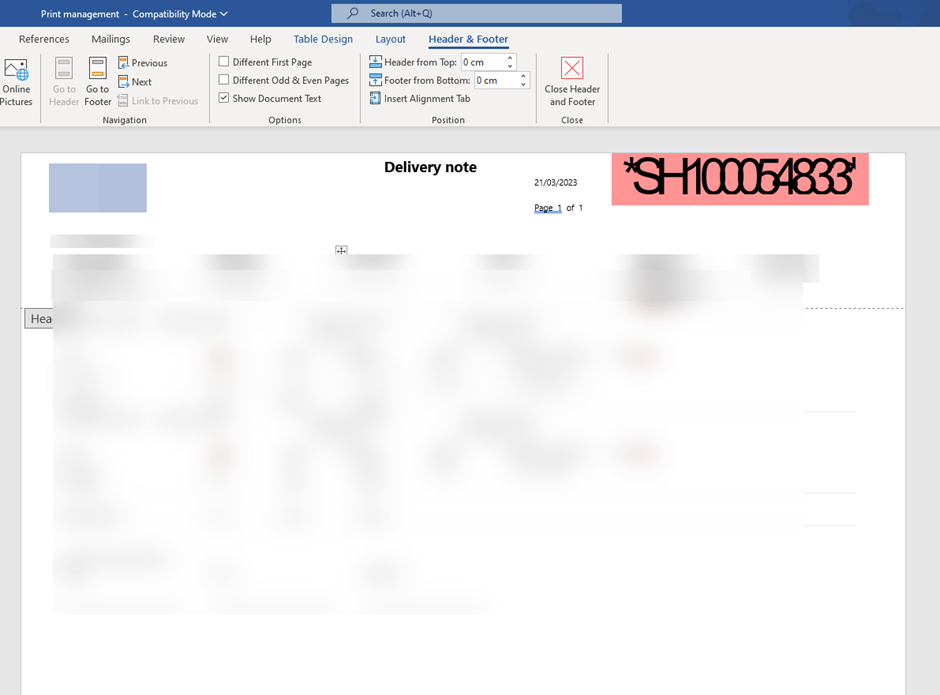
Click on the barcode text ‘*SH1000548333’ and Microsoft word will display the barcode font.

You need to install this font to fix the issue. The font should be installed in below path.
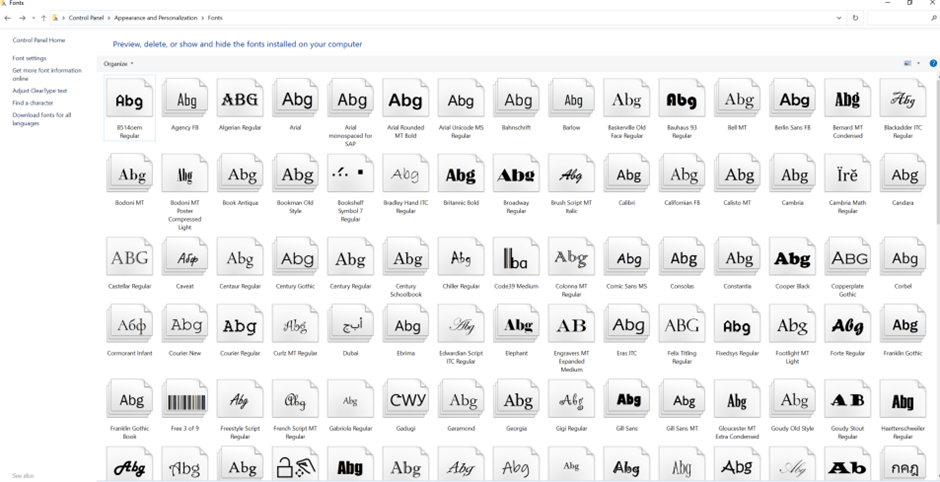
We faced this issue in our Test DRA Virtual machine. However, we had these fonts in production DRA virtual machine. Therefore, I copied the Barcode fonts from our production DRA environment and paste it as below. If you don’t have barcode fonts, you can install it from Microsoft store.
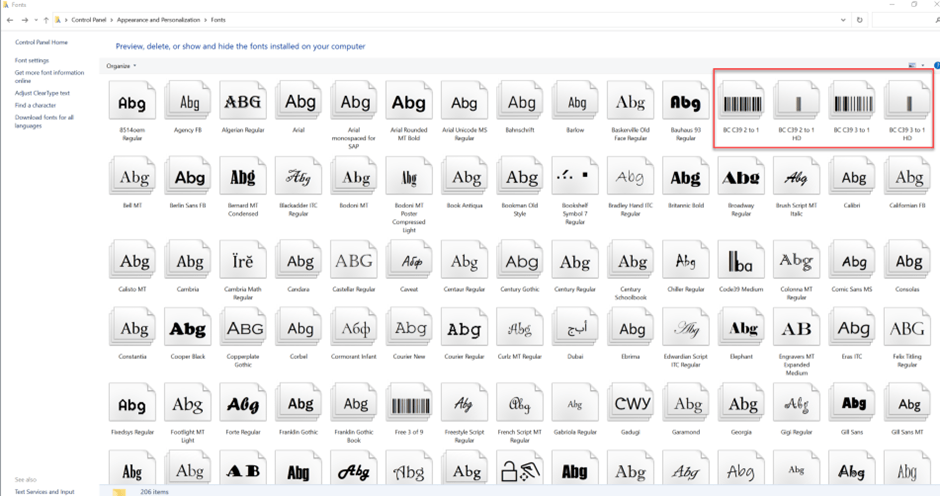
After pasting, you can open the Microsoft word file again and Barcode should be visible.
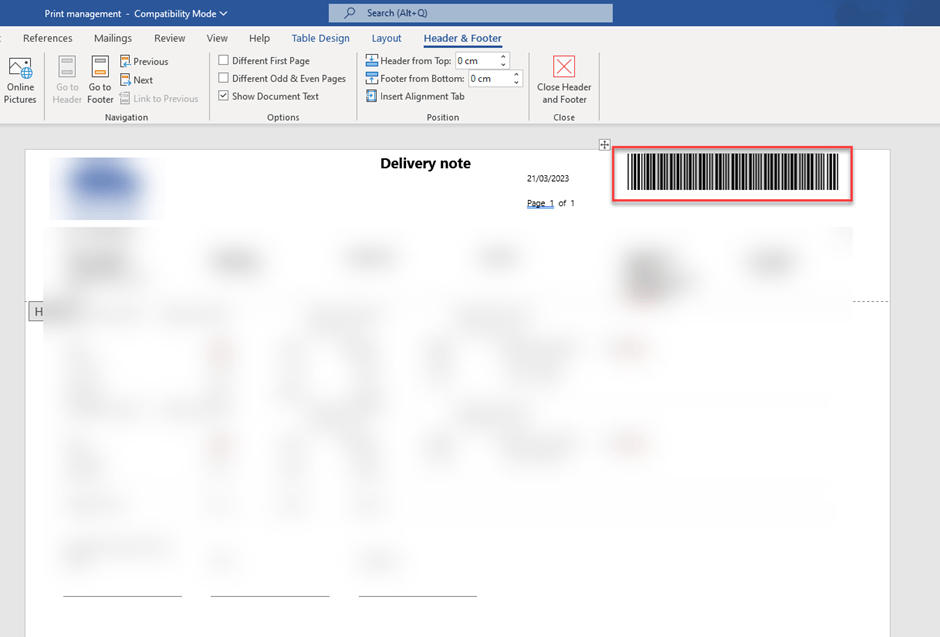
Now, you can print the report to network printer for testing the barcode.
 MOHIT RAMPAL - DYNAMICS 365 F&O BLOG