You can track users login history along with information like date & time of access, how long they were online, which session Id they used etc.
This information can be very useful for some departments in your organization. Last week, I was told to fetch the last login of all users in last one month. Here, is how I have utilized this form to extract the data.
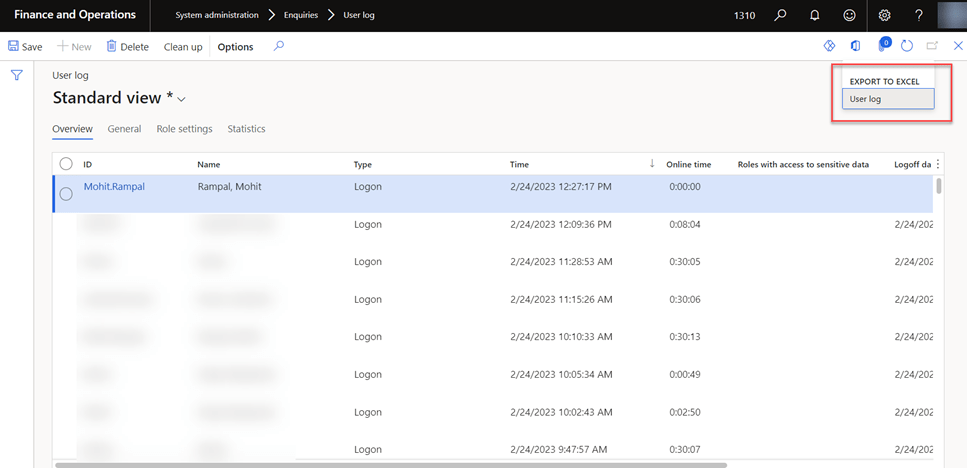
- Go to User log form in System Administration–>Enquiries–>User Log
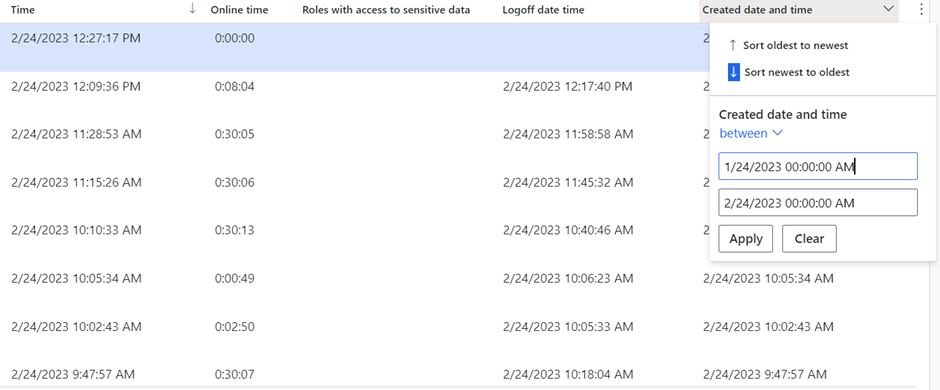
2. Filter on Created Date and time field to get data of last one month.
3. Click on User Log Export to Excel button as shown in step 1.
4. Group on ID column.
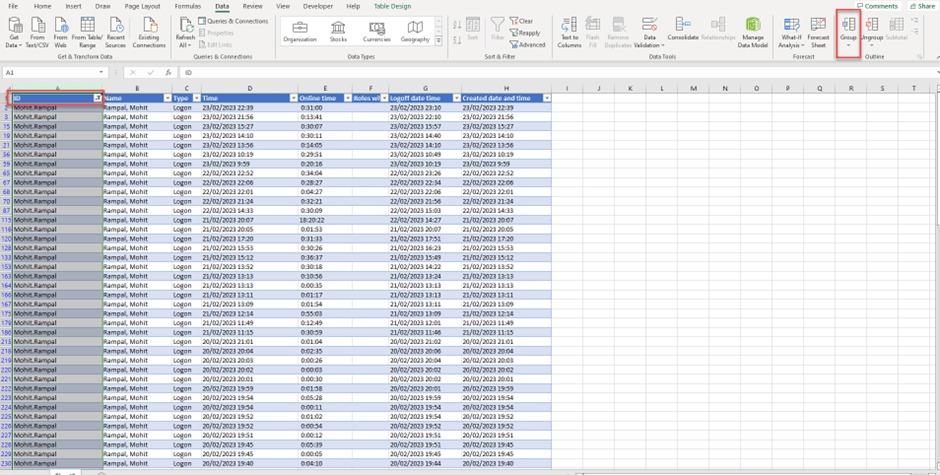
5. Sort on created date and time field (From newest to oldest)
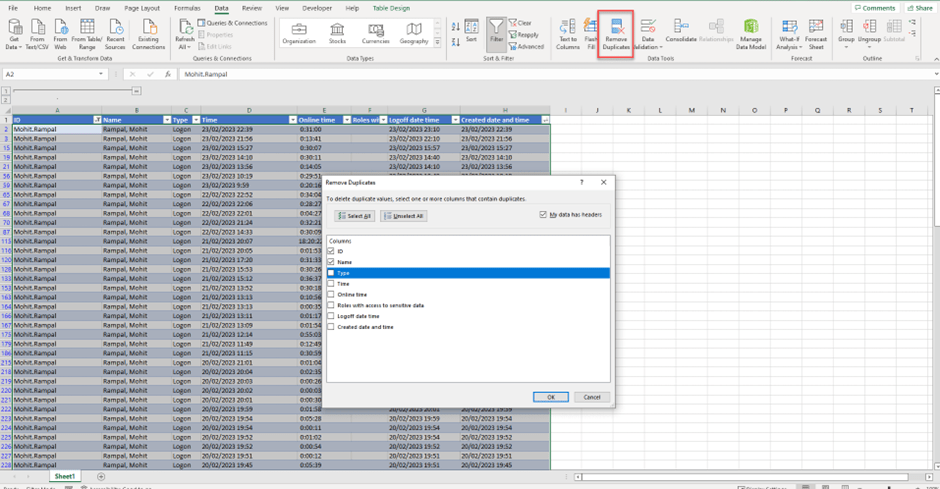
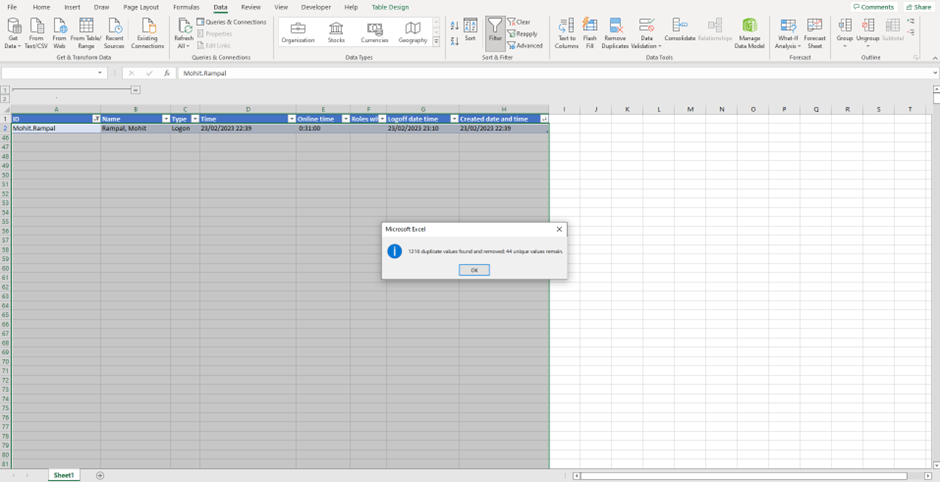
6. Click on Removed Duplicates button highlighted in above screenshot. This will delete all duplicate records and will keep latest record for user.
 MOHIT RAMPAL - DYNAMICS 365 F&O BLOG